Incidents, TAC, and MDT
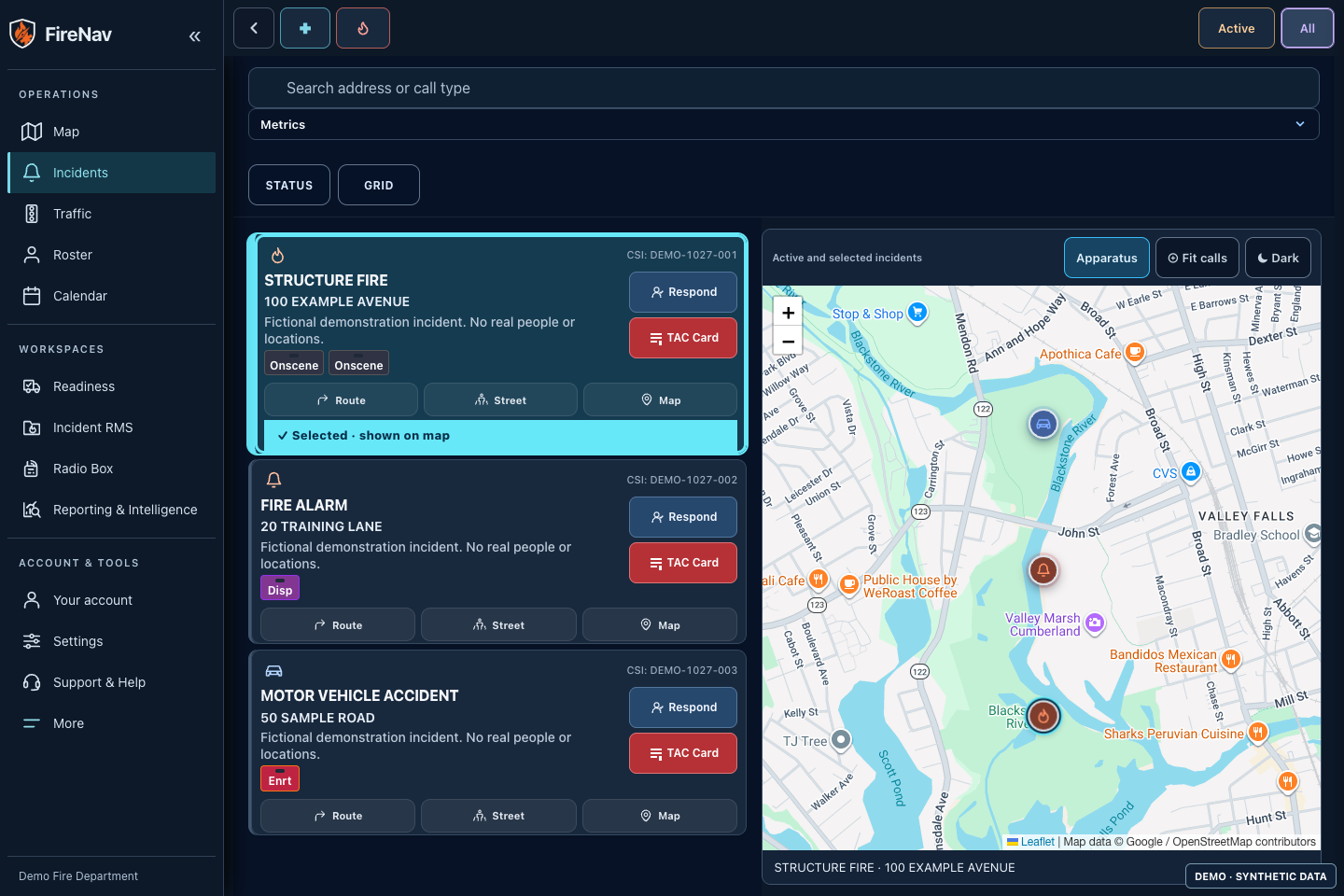
CAD-linked incident cards, run cards, active and completed calls, unit status, arrival order, response navigation, tablet and MDT views, and incident accountability.
 FireNav
Fire and EMS operations
See the response, run the shift, track readiness, and complete the record in one department-controlled platform.
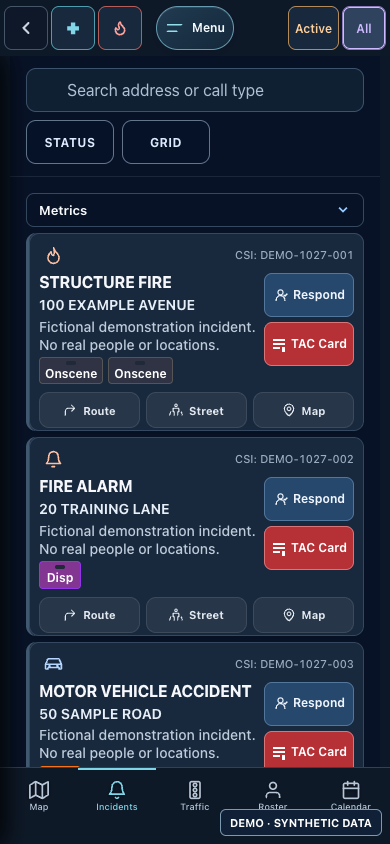
App access is for current FireNav customer departments. Module availability and connected data sources depend on each tenant's configuration. The current interface is shown below with fictional incidents, equipment, and reports over the same public street basemap used in FireNav.
NERIS V1 data exchange
The platform
FireNav Pro connects field operations, station work, records, and administration. Departments enable the modules and integrations that fit their deployment. This overview covers the deployed customer workspaces; access depends on department setup and permissions.
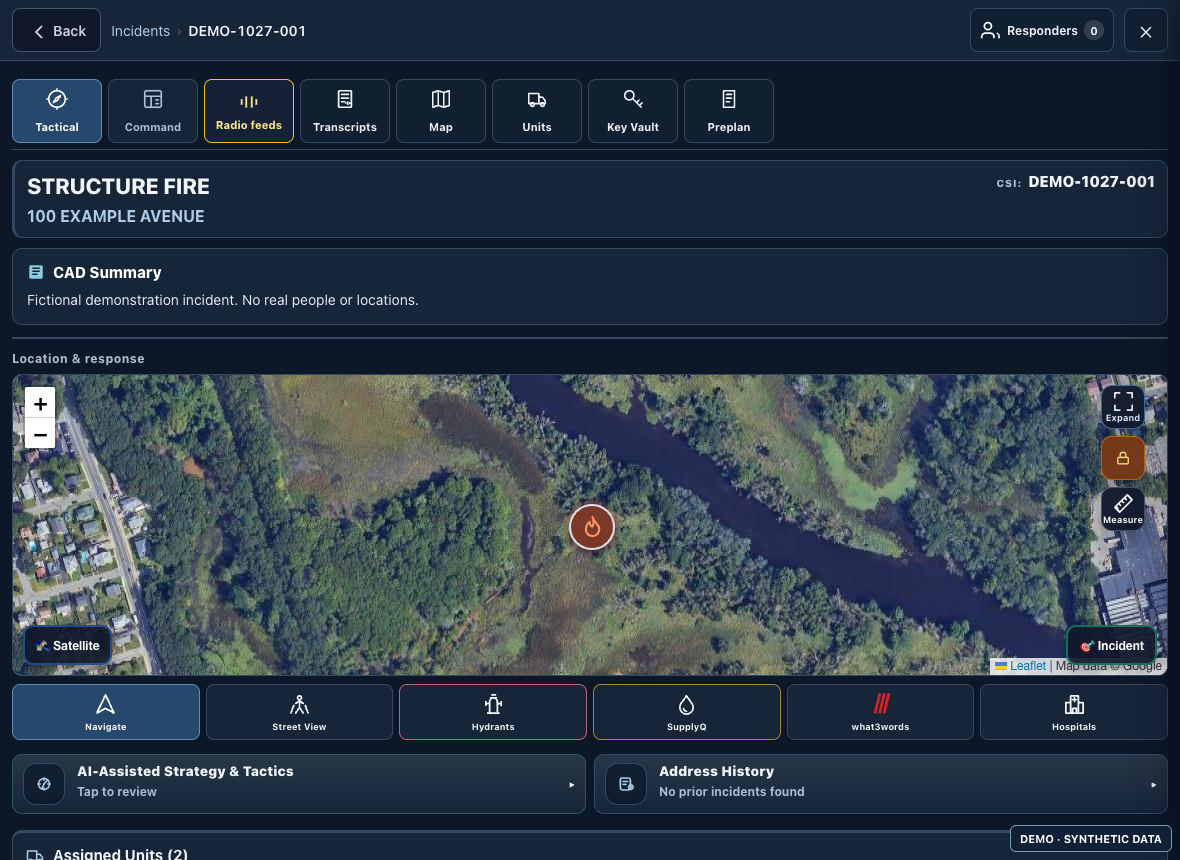
CAD-linked incident cards, run cards, active and completed calls, unit status, arrival order, response navigation, tablet and MDT views, and incident accountability.
Configured apparatus locations, map layers, address search and history, hospitals, traffic, closures, cameras, weather, radar, and Regional Watch.
Scene and operations boards, unit and crew accountability, incident timers, staffing context, shared command state, and incident exports.
Daily apparatus and equipment checks, shared drafts, add-on checks, service status, inventory, serial numbers, compartments, SCBA, and history.
Maintenance tickets, work orders, forwarding and follow-up, repair expenses, compartment layout review, and NFC or QR links to equipment checks.
Water-source maps and records, hydrant management, mutual-aid tanker and water-source intake, department setup, and water-supply navigation.
Preplan library and editor, map builder, hazards, documents, sub-units, and permission-controlled access information.
CAD-linked report work, unit and personnel review, photos, private drafts, validation, review queues, corrections, historical records, agency copies, and investigation records. External delivery requires separate department readiness and authorization.
Configured live radio feeds, dispatch and incident audio, transcriptions, tone history, alarm activity, fire-prevention follow-up, and inspection calendar access where configured.
Department activities, training records, participants, attendance, credit, credentials, objectives, history, and calendar context.
Tenant-scoped operational reports, source-linked filters, saved presets, incident and apparatus analysis, water-supply views, and reviewed exports.
Configured staffing and roster feeds, duty status, shift handoff, shared and personal calendar context, events, locations, and O.G. resources.
Payroll forms, submission records, confirmation, and correction requests for enabled departments. Currently labeled Release Candidate.
Station incident and unit displays, screen assignments, playlists, alert layouts, test alerts, and connected alert devices where provisioned.
Department alert preferences, quiet hours, keywords and sounds, response status, location sharing, and private iOS critical alerts where authorized.
Preparation and status tools for supported references, device drafts, saved work, and reconciliation after reconnecting. Available coverage depends on what the device has prepared.
Approved agency accounts, passkeys, email-code sign-in, password recovery, device sign-in, roster privacy, and agency links.
Tenant users, roles, stations, apparatus, module access, department settings, connected services, Support & Help, tickets, and department-approved AI guidance where enabled.
Product views
Fresh captures of the deployed FireNav interface, populated locally with fictional demo records. The public basemap uses real geography; incidents, names, equipment records, and operational overlays are fictional.
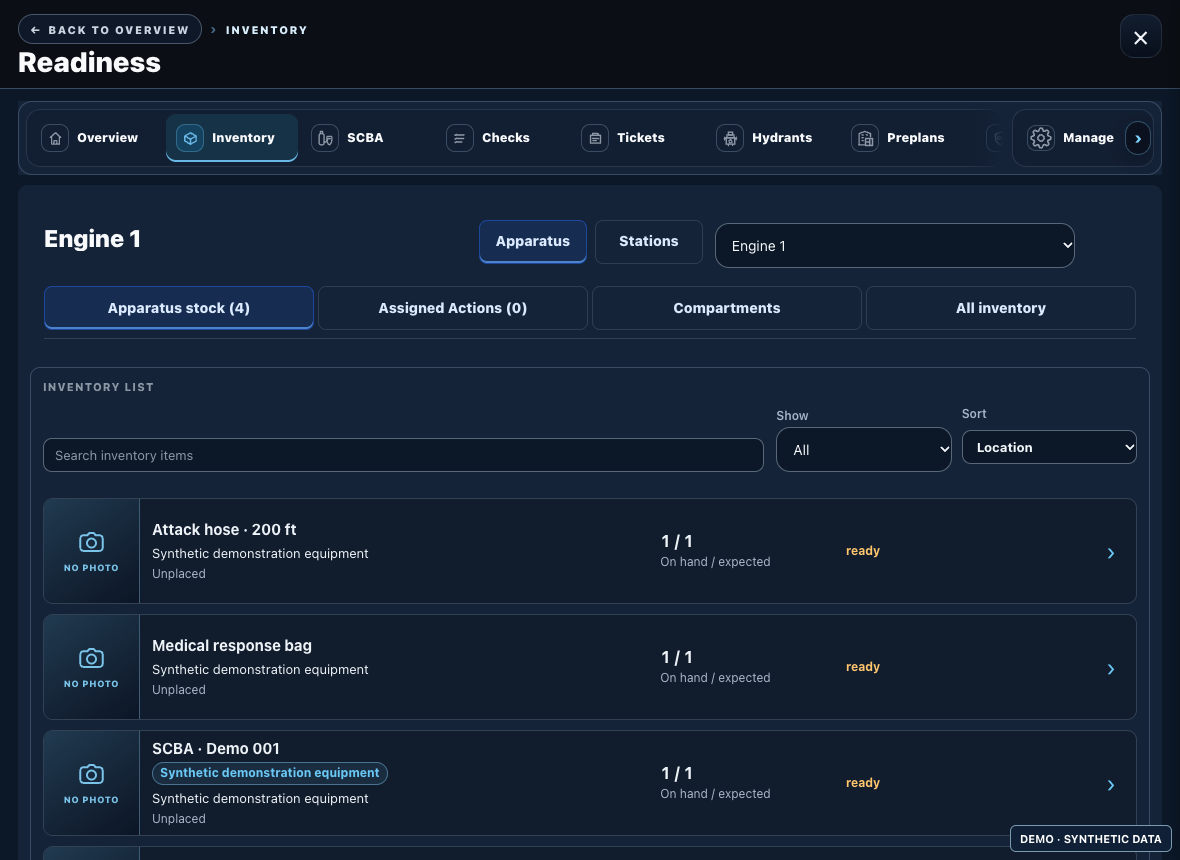
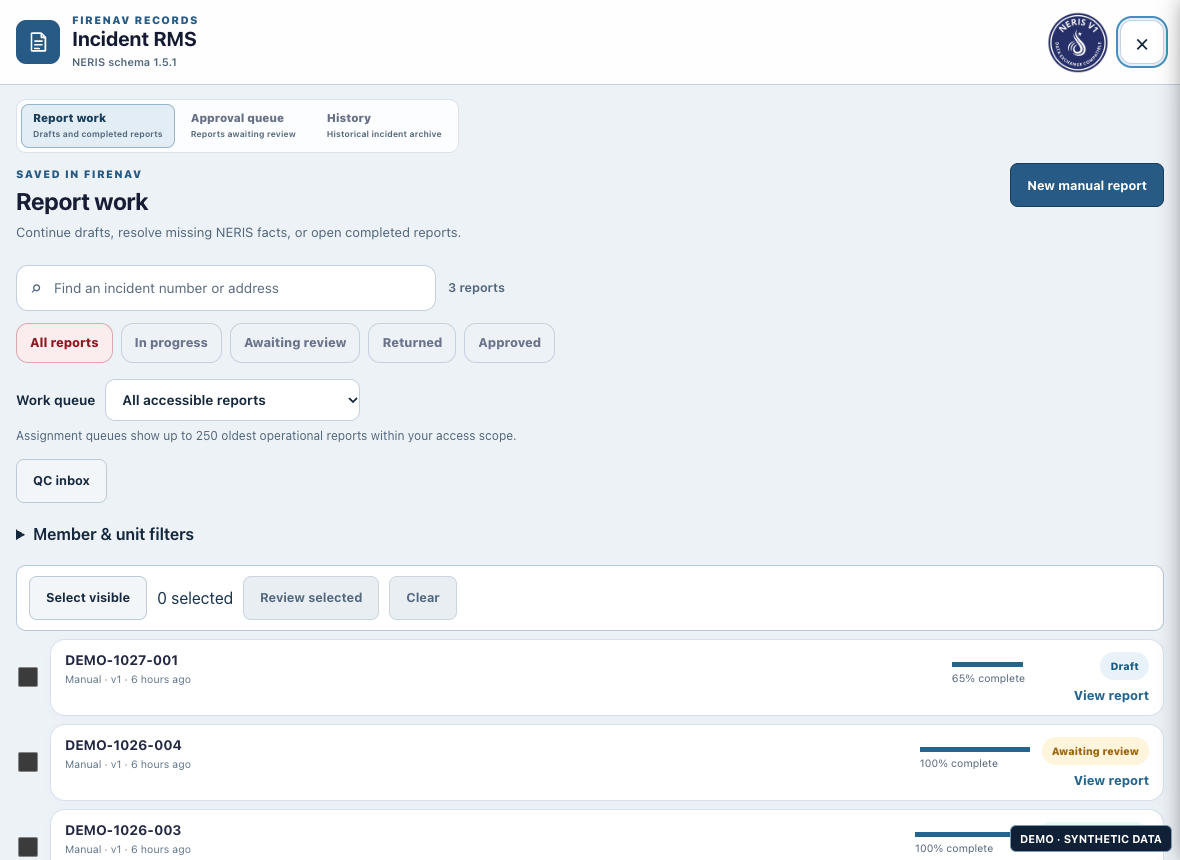
Captured October 27, 2026 · deployed FireNav interface · synthetic operational data · availability varies by department
From the incident card
The TAC workspace brings the call, apparatus, and incident actions into one view. Shown with a fictional demonstration incident.
In the field
FireNav Pro is available as a browser-based PWA for approved users and through private iOS distribution. The Android app is in internal testing.
Field views bring incidents, maps, TAC actions, roster, calendar, readiness, and notifications into a phone-friendly workflow. Native capabilities depend on platform permissions and department setup.
Department control
Departments manage users, stations, apparatus, module access, dashboards, and connected services within tenant-scoped administration. Product modules can be enabled according to department needs.
Customer workspaces, permissions, and connected providers are configured per department. ShiftLedger is currently RC. The native roster sandbox and clinical ePCR are Pre-Alpha owner workspaces and are not offered here as production customer features.
NERIS technical compatibility does not by itself enable live submissions or establish acceptance of a department report.
Private access
FireNav Pro app access is for current customer departments. Existing users and trusted department domains may qualify for automatic approval; other requests receive manual review.
Get FireNav Pro
Current customers: use your department email to request installation. Not a customer yet? Contact support@firenav.app to learn more.